

Looking to boost your marketing, sales, and support efforts without juggling multiple tools? EngageBay Integrations make it simple to connect your favorite apps and automate your workflows effortlessly.
Imagine syncing your LinkedIn contacts, tracking emails via Outlook, or automating SMS campaigns—all from one powerful AI-driven CRM platform. With seamless integrations like Zapier, Shopify, QuickBooks, and many more, you get to save time and focus on what truly matters: growing your business and delighting your customers. Ready to see how EngageBay can transform your daily operations? Discover all the ways you can connect and streamline your tools here: EngageBay Integrations. Keep reading to unlock the full potential of your CRM!

Credit: www.make.com
Introduction To Engagebay Integrations
EngageBay Integrations connect your favorite tools to the EngageBay platform. They help you work faster and smarter by uniting different apps. This section introduces how these integrations improve your marketing, sales, and support workflows.
Overview Of Engagebay And Its Purpose
EngageBay is an all-in-one CRM platform designed for marketing, sales, and support teams. It uses AI to help attract leads, personalize campaigns, automate workflows, and improve customer experience.
Its main features include:
- Lead generation and management
- Email marketing automation
- Sales pipeline tracking
- Customer support ticketing
- AI-powered workflow automation
EngageBay aims to bring all these tools into one place for easier management and better results.
How Integrations Enhance Engagebay’s Functionality
Integrations extend EngageBay’s core features by connecting it with external apps and services. This boosts productivity and streamlines tasks.
Key benefits of EngageBay integrations include:
- Data sync: Automatically sync contacts, deals, and emails with apps like LinkedIn, Outlook, and Shopify.
- Communication: Connect telephony and SMS services such as Twilio, Plivo, and BulkSMS for instant messaging and calls.
- Automation: Use Zapier or Integromat integrations to create multi-step workflows without coding.
- Accounting: Link with tools like QuickBooks and Xero to manage finances alongside sales data.
These integrations save time by reducing manual work and keep all data up-to-date across platforms.
| Integration Type | Popular Apps | Main Use |
|---|---|---|
| CRM & Contacts | LinkedIn, Outlook Desktop | Sync contacts and emails |
| Communication | Twilio, Plivo, BulkSMS | SMS and call automation |
| Automation | Zapier, Integromat | Workflow automation |
| Accounting | QuickBooks, Xero | Financial management |
| E-commerce | Shopify | Order and customer sync |
By linking these apps, EngageBay becomes a powerful hub for managing customer journeys from start to finish.
Key Engagebay Integrations And Their Benefits
EngageBay integrates smoothly with many popular tools. These connections enhance marketing, sales, and support tasks. Each integration helps teams save time and work smarter. Here are some key integrations and how they benefit your business.
Linkedin Integration: Streamlining Contact Management
Sync your LinkedIn contacts directly with EngageBay CRM. This keeps your contact list updated automatically. No more manual entry or risk of missing leads.
- Automatically import LinkedIn connections
- Track interactions and conversations in one place
- Enhance lead generation and follow-up
Zapier Integration: Automating Workflows Across Platforms
Zapier connects EngageBay with over 3,000 apps. Automate tasks between platforms without coding.
- Create workflows that trigger actions automatically
- Save time on repetitive tasks like data entry
- Integrate with apps like Gmail, Slack, Google Sheets
Outlook Desktop Integration: Simplifying Email Tracking And Logging
Integrate EngageBay with Outlook Desktop to track and log emails seamlessly. Keep all email communication linked to contacts and deals.
- Log outgoing and incoming emails automatically
- Access email history in EngageBay CRM
- Improve sales follow-up with accurate email tracking
Quickbooks And Xero Integrations: Efficient Financial Management
Connect QuickBooks and Xero with EngageBay to manage finances smoothly. Sync invoices, payments, and customer data.
| Feature | QuickBooks | Xero |
|---|---|---|
| Invoice Sync | Yes | Yes |
| Payment Tracking | Yes | Yes |
| Customer Data Sync | Yes | Yes |
Plivo And Twilio Integrations: Enhancing Telephony And Sms Capabilities
Use Plivo and Twilio to add calling and SMS features inside EngageBay. Communicate faster and track every interaction.
- Make and receive calls from CRM
- Send automated SMS campaigns
- Log call and message history for better follow-up
Shopify Integration: Boosting E-commerce Sales And Customer Engagement
Link your Shopify store with EngageBay. Track customer purchases and behavior to create targeted marketing campaigns.
- Sync customer and order data
- Send personalized emails based on purchase history
- Improve customer retention and repeat sales
Docusign Integration: Accelerating Document Signing Processes
Integrate DocuSign for quick and secure e-signatures. Manage contracts and agreements without leaving EngageBay.
- Send documents for signature instantly
- Track signing status in real-time
- Reduce paperwork delays and speed up deals
Pricing And Affordability Of Engagebay Integrations
EngageBay offers a range of integrations that connect your marketing, sales, and support tools. These integrations help automate tasks and improve customer interactions. Understanding the pricing and affordability of these integrations is key for businesses to choose the right plan. EngageBay provides clear cost structures and flexible options that fit different business needs.
Cost Structure For Using Integrations
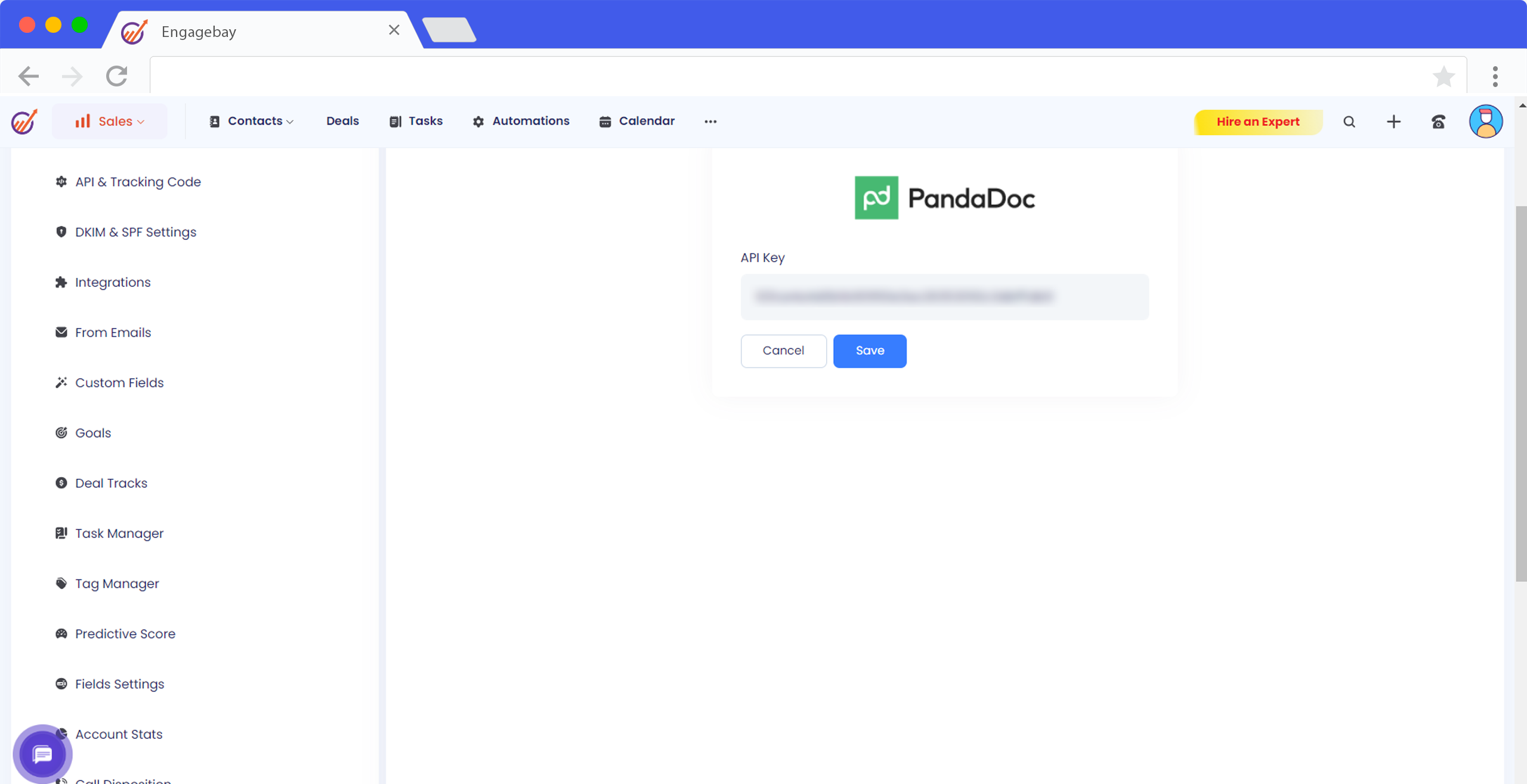
EngageBay includes many integrations within its subscription plans. Most integrations come at no extra cost beyond the chosen plan price. This means you can connect apps like Zapier, LinkedIn, QuickBooks, and Twilio without paying additional fees.
Some key points about the cost:
- Basic integrations are free with all plans.
- Advanced features or high usage may require upgrading plans.
- There are no hidden fees for enabling multiple integrations.
This simple cost structure helps businesses avoid surprise charges while benefiting from numerous integrations.
Value For Money: Comparing With Competitors
Compared to other CRM platforms, EngageBay offers excellent value for money. Many competitors charge extra for each integration or limit the number available. EngageBay’s inclusive approach means more tools at a lower total cost.
| Platform | Integration Access | Extra Fees | Plan Starting Price |
|---|---|---|---|
| EngageBay | Multiple, included | None | $14.99/month |
| Competitor A | Limited | Yes, per integration | $25/month |
| Competitor B | Few | Yes | $30/month |
EngageBay’s pricing is more affordable for businesses needing several integrations.
Flexible Plans To Suit Different Business Sizes
EngageBay offers tiered plans that fit small startups to large enterprises. Each plan unlocks more advanced features and integration options.
- Free Plan: Basic CRM and limited integrations for startups.
- Growth Plan: More integrations and automation for growing businesses.
- Pro Plan: Full access to all integrations and advanced tools for larger teams.
Businesses can start small and upgrade as their needs grow. This flexibility makes EngageBay accessible and cost-effective.
Credit: www.engagebay.com
Pros And Cons Based On Real-world Usage
EngageBay integrations bring together many tools into one platform. Users experience clear benefits and some challenges. Understanding these helps in making the best use of EngageBay’s features.
Advantages: Efficiency Gains And Time Savings
EngageBay integrations connect popular apps like LinkedIn, Zapier, Outlook, Shopify, and QuickBooks. This connection means users spend less time switching between tools.
- Automatic syncing of contacts and deals saves manual data entry.
- Marketing and sales workflows become smoother and faster.
- Email tracking and logging through Outlook integration improves communication.
- AI-powered automation reduces repetitive tasks across sales, marketing, and support.
Teams report saving hours weekly by automating lead capture and follow-ups. These integrations help deliver personalized campaigns without extra effort.
Limitations: Integration Setup And Compatibility Challenges
Some users find initial setup of integrations complex. It requires careful configuration to ensure all apps work well together.
- Not all third-party apps are fully compatible.
- Setting up multi-step workflows via Zapier or Integromat can be confusing.
- Occasional syncing delays or errors occur with certain integrations.
Technical support helps resolve issues but may require time and patience. Users should plan for a learning period before full efficiency.
User Feedback And Common Issues
| Feedback Type | Details |
|---|---|
| Positive | Easy contact syncing, improved team collaboration, time saved in email management. |
| Negative | Difficulty with complex workflow automation, occasional glitches in data sync, limited app list compared to some competitors. |
| Suggestions | More guided tutorials, expanded integration options, faster issue resolution. |
Users appreciate the wide range of supported apps but expect smoother setup processes. Many highlight the value of automation once integrations run smoothly.
Ideal Users And Use Case Recommendations
EngageBay integrations serve a wide range of users by connecting key tools into one platform. This helps businesses automate tasks, improve communication, and manage sales efficiently. The integrations suit different industries and team roles, making EngageBay a flexible choice for various needs.
Small To Medium Businesses Seeking Automation
Small and medium businesses gain value from EngageBay’s automation features. The platform connects with popular apps like Zapier and Integromat to automate workflows. This saves time on repetitive tasks and reduces manual errors.
- Automate marketing campaigns
- Sync customer data across apps
- Streamline lead tracking
These integrations help SMBs focus on growth instead of routine work.
Sales And Marketing Teams Focused On Lead Management
Sales and marketing teams use EngageBay to manage leads efficiently. Integrations with LinkedIn and Outlook Desktop enable easy contact syncing and email tracking. This keeps lead data accurate and up to date.
Teams benefit from:
- Automatic lead import from LinkedIn
- Email activity logging with Outlook
- Personalized outreach using marketing tools
These features improve lead conversion rates and campaign success.
E-commerce Businesses Leveraging Shopify And Financial Integrations
E-commerce stores integrate EngageBay with Shopify to connect sales and marketing efforts. Financial tools like QuickBooks and Xero sync for smooth accounting.
| Integration | Benefit |
|---|---|
| Shopify | Sync customer orders and marketing data |
| QuickBooks | Automate invoicing and expense tracking |
| Xero | Manage financial records seamlessly |
This combination simplifies store operations and financial management.
Companies Needing Seamless Communication And Document Management
Businesses requiring strong communication rely on EngageBay’s telephony and document integrations. Tools like Twilio, Plivo, and DocuSign connect directly to the CRM.
- Make and track calls with Twilio or Plivo
- Send and sign contracts via DocuSign
- Automate SMS communication with BulkSMS
These integrations improve client interactions and speed up document workflows.
Credit: www.engagebay.com
Frequently Asked Questions
What Apps Can I Integrate With Engagebay?
EngageBay supports integrations with popular apps like LinkedIn, Zapier, QuickBooks, Shopify, and more. These connections help streamline marketing, sales, and communication processes efficiently.
How Do Engagebay Integrations Improve Marketing Workflows?
Integrations automate tasks like email campaigns, contact syncing, and SMS messaging. This reduces manual work and enhances targeted customer engagement through seamless data flow.
Can I Sync Linkedin Contacts With Engagebay Crm?
Yes, EngageBay allows effortless syncing of LinkedIn contacts directly into its CRM. This helps you manage leads and build relationships without manual data entry.
Is There An Integration For Email Tracking In Engagebay?
EngageBay integrates with email platforms like Outlook and SendGrid to track and log emails. This ensures better communication monitoring and improved customer follow-ups.
Conclusion
Engagebay integrations simplify managing marketing, sales, and support tasks. They connect your favorite tools like LinkedIn, Zapier, and Outlook. This helps automate work and keep data synced. Using these integrations saves time and reduces errors. Explore how Engagebay fits your workflow to improve daily operations. Start enhancing your CRM experience with Engagebay today by visiting https://saaslabpro.com/engagebay.

