
Are you tired of juggling multiple tools and losing track of your sales leads? Imagine having all your favorite apps seamlessly connected to your CRM, so you can focus on what really matters—closing deals faster.
That’s exactly what Close CRM integrations offer. By linking Close CRM with the apps you already use, you streamline your sales process and never miss a valuable lead again. Whether it’s automating follow-ups or syncing contacts across platforms, these integrations bring clarity and speed to your workflow. Ready to transform your sales game? Discover how Close CRM integrations can power up your customer relationship mastery and help you close deals before they go cold.
Introduction To Close Crm Integrations
Close CRM is designed to simplify sales processes and help teams close deals faster. Integrations play a key role by connecting Close with other tools. This connection saves time and keeps data flowing smoothly. Understanding how these integrations work can improve sales efficiency instantly.
What Is Close Crm And Its Core Purpose
Close CRM is a sales-focused customer relationship management tool. It helps sales teams track leads, manage communications, and close deals. The core purpose of Close CRM is to bring clarity and speed to the sales process.
- Capture and organize leads in one place
- Manage calls, emails, and messages efficiently
- Automate repetitive sales tasks
- Provide detailed sales reporting and insights
Close CRM is built for inside sales teams who want to reduce missed leads and wasted time.
The Role Of Integrations In Enhancing Close Crm
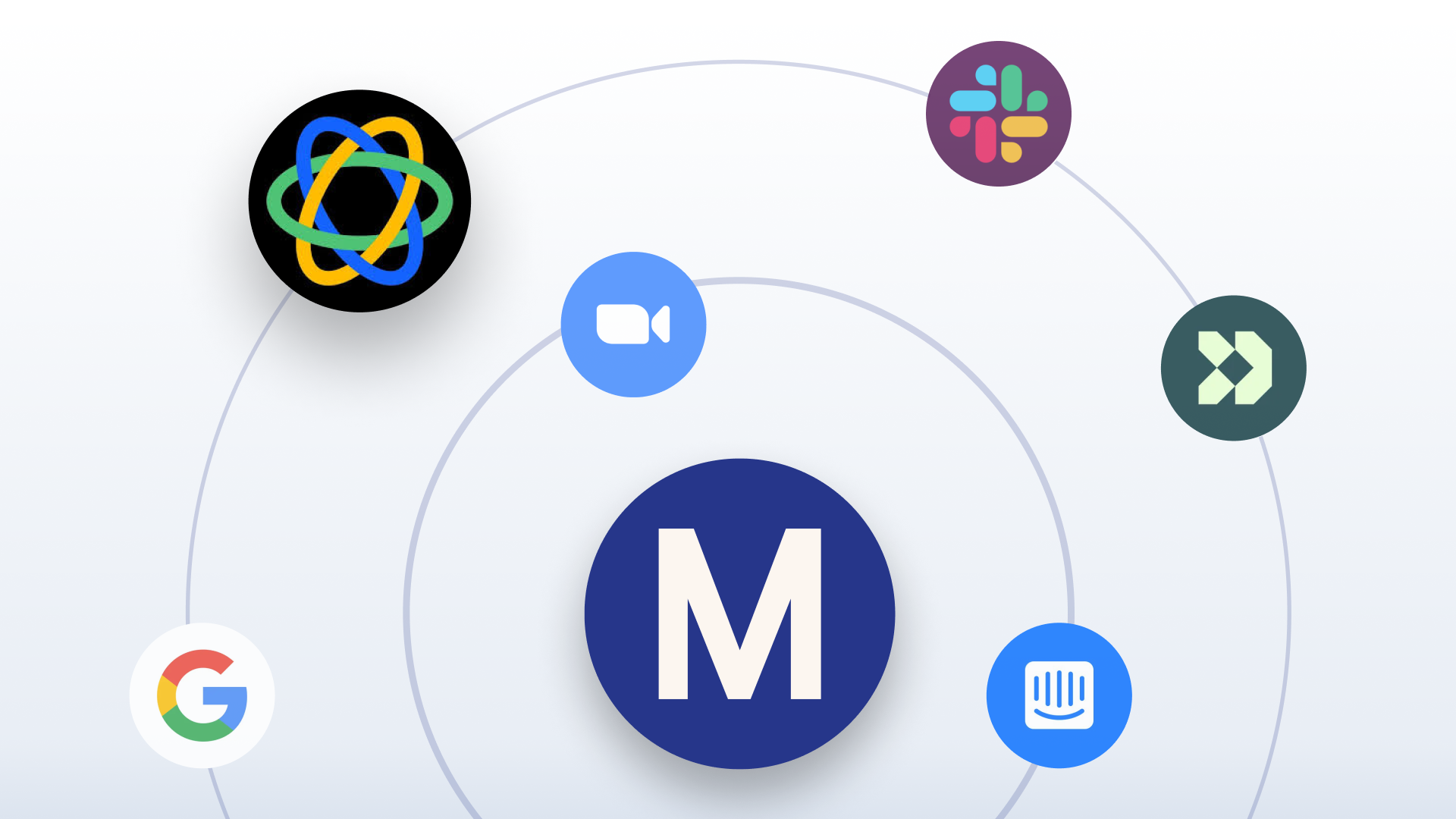
Integrations connect Close CRM with other apps and tools used daily. This connection allows data to flow automatically between platforms. It reduces manual data entry and errors.
| Integration Type | Example Tools | Benefit |
|---|---|---|
| Native Integrations | Meetings tool, Email providers | Seamless experience within Close CRM |
| No-Code Integrations | Zapier, Make.com | Custom workflows without programming |
| API Integrations | Custom apps and software | Full control and customization |
These integrations help teams automate prospecting, booking, and communication tasks. They also enable syncing with calendars, marketing tools, and support platforms.
How Integrations Boost Sales Efficiency Instantly
Integrations improve sales efficiency by reducing manual work. They ensure sales reps spend more time selling and less on admin tasks.
- Faster Lead Management: Leads from websites or ads sync directly into Close.
- Automated Follow-Ups: Emails and reminders send automatically based on triggers.
- Clear Communication: Calls and messages log automatically, keeping records accurate.
- Better Scheduling: Meeting tools sync calendars to avoid double bookings.
- Data Accuracy: Syncing with other platforms prevents data loss and errors.
Instant syncing and automation help sales teams close deals before they cool down.

Credit: www.close.com
Key Features Of Close Crm Integrations
Close CRM integrations enhance your sales process by connecting your tools and data. These integrations help teams work faster, avoid data entry errors, and keep all information in one place. Understanding the key features of Close CRM integrations reveals how this platform supports smooth and efficient workflows.
Native Integrations: Seamless Connectivity With Popular Apps
Close CRM offers native integrations that connect directly to widely used apps. These integrations provide smooth data flow without extra setup or coding. Examples include:
- Meetings tool integration for easy scheduling
- Booking software integration to sync appointments
- LinkedIn automation tools to manage prospecting
These ready-to-use connections save time and reduce mistakes in data transfer.
No-code And Api Options: Customizing Close To Your Workflow
Close CRM supports both no-code solutions and API access for customization. No-code tools like Zapier allow users to create workflows without programming skills. Developers can use the API to build tailored integrations. This flexibility means Close adapts to unique business needs and processes.
Automation Capabilities: Streamlining Prospecting And Follow-ups
Automation in Close CRM speeds up lead management and follow-ups. Users can set triggers to:
- Send automated emails to new leads
- Create follow-up tasks based on lead activity
- Update lead status without manual input
Automation reduces manual work and keeps prospects engaged efficiently.
Integration Links: Quick Data Sharing Across Platforms
Integration links allow fast and secure data sharing between Close and other platforms. This keeps information consistent across sales, marketing, and customer service tools. Benefits include:
| Feature | Benefit |
|---|---|
| Real-time syncing | Immediate updates across systems |
| Data accuracy | Less manual entry, fewer errors |
| Centralized information | Better team collaboration |
Professional Networking Integrations: Enhancing Lead Engagement
Close CRM integrates with professional networks to boost lead engagement. Tools that connect with LinkedIn or other platforms help users:
- Find new leads directly from networking sites
- Import contact details without manual copy-paste
- Track interactions and follow-ups linked to social profiles
This enhances the ability to build relationships and close deals faster.
Real-time Data Sync: Keeping Contacts And Leads Updated
Real-time data synchronization ensures that all contact and lead information is always current. Changes made in one system instantly reflect in Close CRM and vice versa. This feature:
- Prevents outdated or duplicated records
- Supports quick decision-making with fresh data
- Keeps sales teams aligned with accurate contact info
Real-time sync is essential for maintaining a reliable sales pipeline.
Pricing And Affordability Of Close Crm Integrations
Pricing plays a key role in choosing the right CRM and its integrations. Close CRM offers various pricing plans that affect integration access and features. Understanding these costs helps businesses balance budget with functionality. Affordability of integrations ensures you get the best value without overspending.
Overview Of Close Crm Pricing Tiers And Integration Access
Close CRM has multiple pricing tiers designed for different business sizes and needs. Each tier unlocks different levels of access to native and third-party integrations.
| Plan | Price (per user/month) | Integration Access | Key Features |
|---|---|---|---|
| Starter | $29 | Limited native integrations | Basic CRM tools, email sync |
| Professional | $69 | Full native integrations + API access | Advanced reporting, automation |
| Business | $99 | All integrations + priority support | Custom workflows, team features |
API access allows custom integrations for more flexibility. Higher tiers offer more robust tools and integrations for sales growth.
Cost Benefits Of Using Native Vs. Third-party Integrations
Native integrations come built-in with Close CRM plans. They cost less and have seamless compatibility. These integrations reduce setup time and technical issues.
- Native Integrations: Included in higher plans, no extra fees
- Third-Party Integrations: May require additional subscriptions or fees
Third-party tools like Zapier add flexibility but may increase total cost. Using native options often lowers expenses and simplifies support.
Evaluating Roi: How Integrations Save Time And Increase Sales
Integrations automate repetitive tasks, freeing up sales teams to focus on closing deals. They reduce manual data entry, which cuts errors and delays.
- Save Time: Sync contacts, calls, and emails automatically
- Increase Sales: Faster follow-ups lead to higher conversion rates
- Improve Data Accuracy: Less manual input means cleaner data
Better workflows from integrations speed up the sales cycle. This translates to more closed deals and better revenue. The initial cost of integration pays off through improved productivity.
Pros And Cons Of Using Close Crm Integrations
Close CRM integrations link your sales software with other tools. They help teams work faster and smarter. These integrations bring benefits but also have some downsides. Understanding both sides helps you decide if Close CRM fits your business needs.
Advantages: Increased Efficiency, Customization, And Data Accuracy
Increased efficiency is a major benefit of Close CRM integrations. Automating tasks like data entry saves time. Sales reps focus more on closing deals than updating records.
Customization allows you to tailor Close CRM to your workflow. Use built-in integrations or the API to connect your favorite apps. Custom setups match your sales process perfectly.
Data accuracy improves by syncing information between systems. This reduces errors from manual input and keeps data up-to-date across platforms.
- Automatic syncing of contacts and leads
- Real-time updates improve decision-making
- Consistent data across sales and marketing tools
Potential Limitations: Integration Complexity And Learning Curve
Some integrations require technical knowledge for setup. Integration complexity may slow initial adoption. IT support might be needed to connect apps properly.
The learning curve can be steep for new users. Sales teams must adapt to new workflows and tools. Training ensures smooth use but takes time.
| Challenge | Description | Impact |
|---|---|---|
| Technical Setup | Requires knowledge of APIs or integration platforms | Possible delays and need for IT support |
| User Training | New tools need time to learn | Temporary drop in productivity |
User Feedback And Real-world Usage Insights
Users report that Close CRM integrations speed up daily tasks. Many praise the ability to customize connections with other software. This flexibility suits different sales teams and markets.
Some users mention setup challenges but agree benefits outweigh initial effort. Regular updates and support improve the integration experience over time.
- Integration saves hours weekly by automating lead tracking.
- Custom API connections allow unique workflows.
- Occasional complexity during setup but manageable with guides.
Recommendations For Ideal Users And Scenarios
Close CRM integrations suit a variety of users and sales scenarios. Choosing the right integration type boosts productivity and streamlines workflows. Understanding who benefits most from each approach helps sales teams work smarter.
These recommendations focus on which users and situations align best with Close CRM’s integration options. They guide decision-making for sales teams, developers, and business owners.
Best Use Cases For Sales Teams And Inside Sales Software
Sales teams thrive using Close CRM integrations designed for inside sales. The platform connects easily with communication tools, email platforms, and lead management systems.
- Startups needing fast lead capture and follow-up.
- SMBs aiming to improve sales call tracking and reporting.
- Inside sales teams requiring automated workflows to reduce manual tasks.
Common scenarios include:
| Scenario | Benefit |
|---|---|
| Lead enrichment via third-party apps | Improves lead quality and targeting |
| Automated meeting scheduling | Reduces no-shows and saves time |
| Pipeline updates with real-time data | Enables faster decision-making |
Who Benefits Most From No-code Vs. Api-based Integrations
No-code integrations suit users with limited technical skills. They offer drag-and-drop tools and pre-built connectors for quick setups.
- Small teams without dedicated developers.
- Businesses needing simple workflows and automation.
- Users wanting fast deployment with minimal training.
API-based integrations serve users requiring custom solutions and deep system connections.
- Developers building tailored features.
- Enterprises integrating multiple complex systems.
- Companies needing high data security and control.
Tips For Maximizing Sales Efficiency With Close Crm Integrations
- Choose integrations that align with your sales process steps.
- Automate repetitive tasks like data entry and follow-up emails.
- Use real-time syncing to keep data accurate across platforms.
- Train your team on how to use integrations effectively.
- Monitor performance to identify bottlenecks and adjust workflows.
Regularly update integrations to leverage new features and maintain compatibility.
Credit: www.morty.com

Credit: www.close.com
Frequently Asked Questions
What Are The Top Close Crm Integrations Available?
Close CRM offers popular integrations like Zapier, Segment, Twilio, and LinkMatch. These connect your CRM with apps for automation, data syncing, and enhanced communication, improving sales workflow efficiency.
How Do Close Crm Integrations Improve Sales Workflows?
Integrations automate repetitive tasks, sync contact data, and enable multi-channel communication. This streamlines sales processes, saves time, and enhances team collaboration, resulting in faster deal closures.
Can Close Crm Integrate With Marketing Automation Tools?
Yes, Close CRM integrates with marketing platforms via native tools or Zapier. This allows seamless lead nurturing, campaign tracking, and better alignment between sales and marketing teams.
Is Coding Required For Close Crm Integrations?
Most Close CRM integrations are no-code or low-code using tools like Zapier. Custom API integrations are available for advanced users needing tailored workflows or unique app connections.
Conclusion
Close CRM integrations simplify your sales process and save time. They connect your favorite apps directly to Close, making data flow smoothly. This helps you track leads and manage customer relationships better. Using built-in or custom integrations keeps your work organized and efficient. Explore more about Close CRM and its integrations at https://saaslabpro.com/close. Choose the right tools to improve your sales workflow today.