
Trying to decide between HubSpot and Asana for your business? You’re not alone.
Both tools promise to boost your productivity, but they serve very different purposes. If you want to keep your team’s projects on track and know exactly who’s responsible for what, Asana shines with its simple task management and clear project views.
On the other hand, if your focus is growing customer relationships, managing sales pipelines, and automating marketing efforts, HubSpot offers a powerful all-in-one platform designed just for that. Which one fits your needs better? Keep reading to uncover the key differences, strengths, and when to choose each—so you can make a smart choice that helps your business thrive.
Credit: www.webdew.com
Asana Features
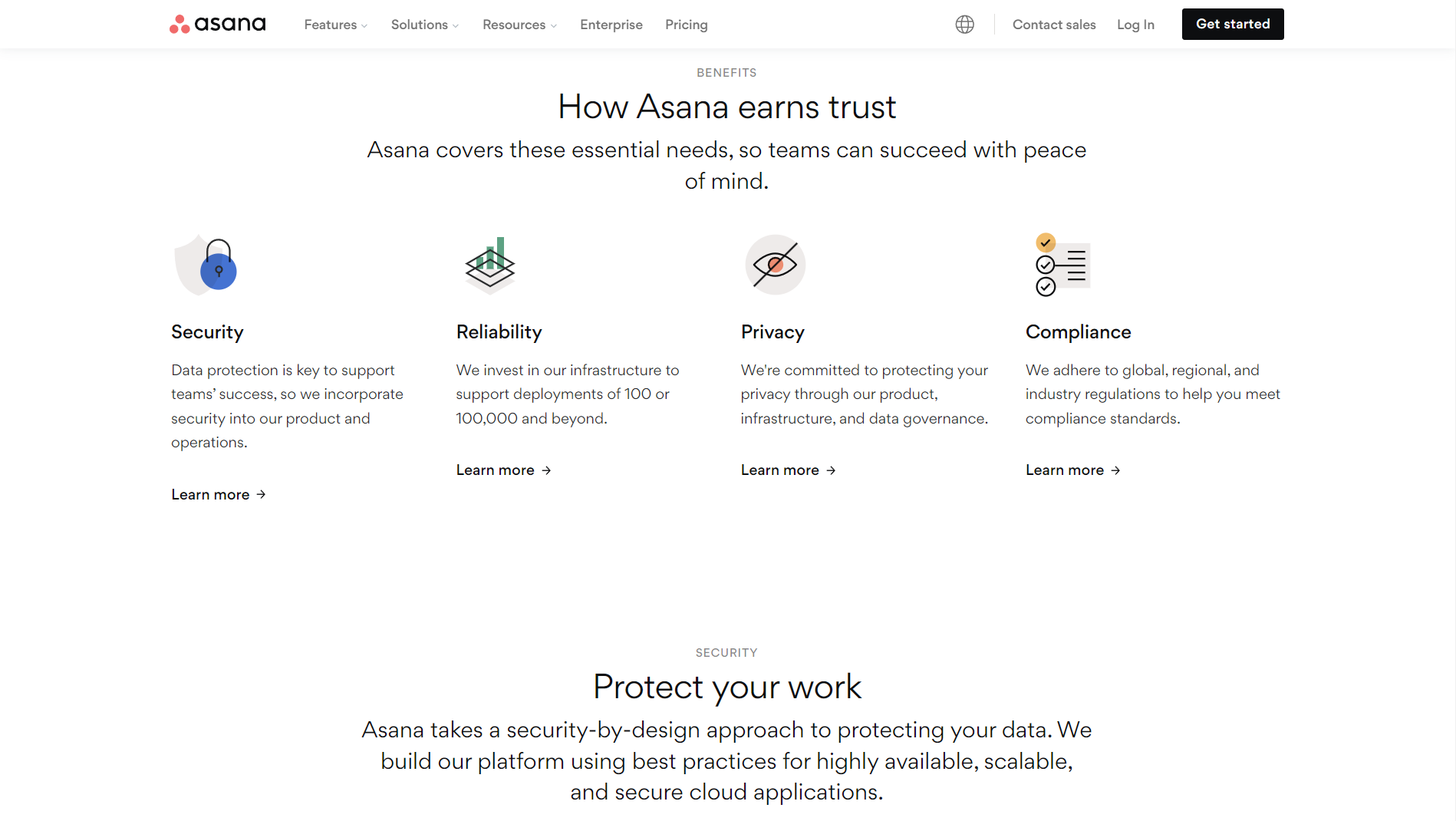
Asana offers a range of features designed to simplify project management and improve team productivity. Its tools help teams organize work clearly and track progress easily. The platform suits various project types, from simple tasks to complex workflows.
Users appreciate Asana for its flexibility and user-friendly design. It supports different work styles and keeps everyone on the same page. Below are some key features that make Asana stand out in project management.
Task Management Tools
Asana provides powerful tools to create, assign, and track tasks. Users can set due dates and priorities to keep work on schedule. Tasks can include attachments, comments, and subtasks for detailed tracking. Reminders and notifications help teams stay updated.
Project Views
The platform offers multiple project views to match user preferences. List view shows tasks in a simple checklist format. Board view uses cards and columns for visual tracking. Timeline view displays tasks on a calendar, highlighting deadlines and dependencies.
Collaboration Options
Teams can communicate directly within tasks using comments and mentions. File sharing is easy, keeping all documents linked to relevant work. Integration with email and other apps improves team coordination. Real-time updates ensure everyone sees changes immediately.
Personal Goal Tracking
Asana lets users set and monitor personal goals alongside team tasks. Progress bars and dashboards show achievements clearly. This feature helps individuals stay motivated and focused on their targets. It also supports regular reviews and adjustments.

Credit: www.webdew.com
Hubspot Features
HubSpot offers a wide range of features designed to help businesses grow. It combines tools for marketing, sales, and customer service into one platform. Each feature supports different parts of the customer journey. This makes it easier to manage and track all business activities.
Below, we explore key HubSpot features that set it apart from other tools like Asana.
Crm Capabilities
HubSpot’s CRM is user-friendly and free to start. It stores all customer information in one place. Users can track interactions, monitor leads, and manage contacts easily. This helps teams stay organized and maintain strong relationships with clients.
Marketing Automation
Marketing automation in HubSpot helps send emails and messages automatically. It targets specific groups based on their behavior. This saves time and ensures the right message reaches the right audience. It also tracks campaign performance to improve results.
Sales Pipeline Tools
HubSpot provides tools to manage the sales process step by step. Users can create pipelines, move deals, and assign tasks. This gives clear visibility of sales progress. Teams can focus on closing deals faster and meeting targets.
Customer Service Integration
HubSpot integrates customer service tools directly into the platform. Support teams can manage tickets, answer questions, and track customer feedback. This creates a smooth experience for customers and helps resolve issues quickly.
Key Differences
Understanding the key differences between HubSpot and Asana helps you pick the right tool. Both serve distinct purposes but share some overlapping features. Each platform suits different business needs and team workflows. Below, we break down their main contrasts to guide your choice.
Focus Areas
Asana centers on project and task management. It helps teams organize work, track progress, and meet deadlines. HubSpot focuses on customer relationship management (CRM). It supports marketing, sales, and customer service activities. HubSpot builds and nurtures customer pipelines. Asana improves internal team collaboration and task clarity.
Complexity And Learning Curve
Asana offers a simple, user-friendly interface. Teams can get started quickly with minimal training. HubSpot is more complex due to its wide range of features. It requires time to learn and configure properly. HubSpot’s depth suits businesses needing advanced marketing and sales tools. Asana fits teams wanting straightforward project tracking.
Reporting Types
Asana provides reports focused on task completion and project status. These reports help monitor team productivity and deadlines. HubSpot delivers detailed reports on marketing campaigns, sales pipelines, and customer behavior. HubSpot’s analytics support strategic business decisions. Asana’s reporting is best for managing daily work tasks.
Pricing Considerations
Asana has tiered pricing based on features and team size. Its basic plans are affordable for small teams. HubSpot’s pricing is higher, reflecting its advanced CRM and automation features. Costs rise with added marketing and sales tools. Businesses should weigh budget against needs before choosing.
Use Cases
Understanding the use cases of HubSpot and Asana helps in choosing the right tool. Each platform serves distinct business needs. Both improve team efficiency but in different ways. Asana is tailored for task and project management. HubSpot focuses on customer relations and sales processes.
Team Task Coordination
Asana simplifies team task coordination. It offers clear task assignments and deadlines. Team members see their responsibilities at a glance. The visual boards and timelines help track progress easily. Teams avoid confusion and missed deadlines. HubSpot lacks this focused task coordination feature.
Lead Nurturing And Sales Funnels
HubSpot excels in lead nurturing and sales funnels. It tracks prospects from first contact to sale. Automated email sequences keep leads engaged. Sales teams get insights into lead behavior. This helps close deals faster. Asana does not support detailed lead management or automation.
Project Management
Asana is built for project management. It supports complex workflows with multiple tasks and deadlines. Teams manage cross-functional projects with ease. Asana’s dashboards provide project visibility. This keeps all members aligned and informed. HubSpot does not offer comprehensive project management tools.
Customer Relationship Management
HubSpot provides a complete customer relationship management system. It stores customer data, tracks interactions, and manages support tickets. Marketing, sales, and service teams work from the same platform. This creates a seamless customer experience. Asana lacks CRM features and customer data management.
Integration Benefits
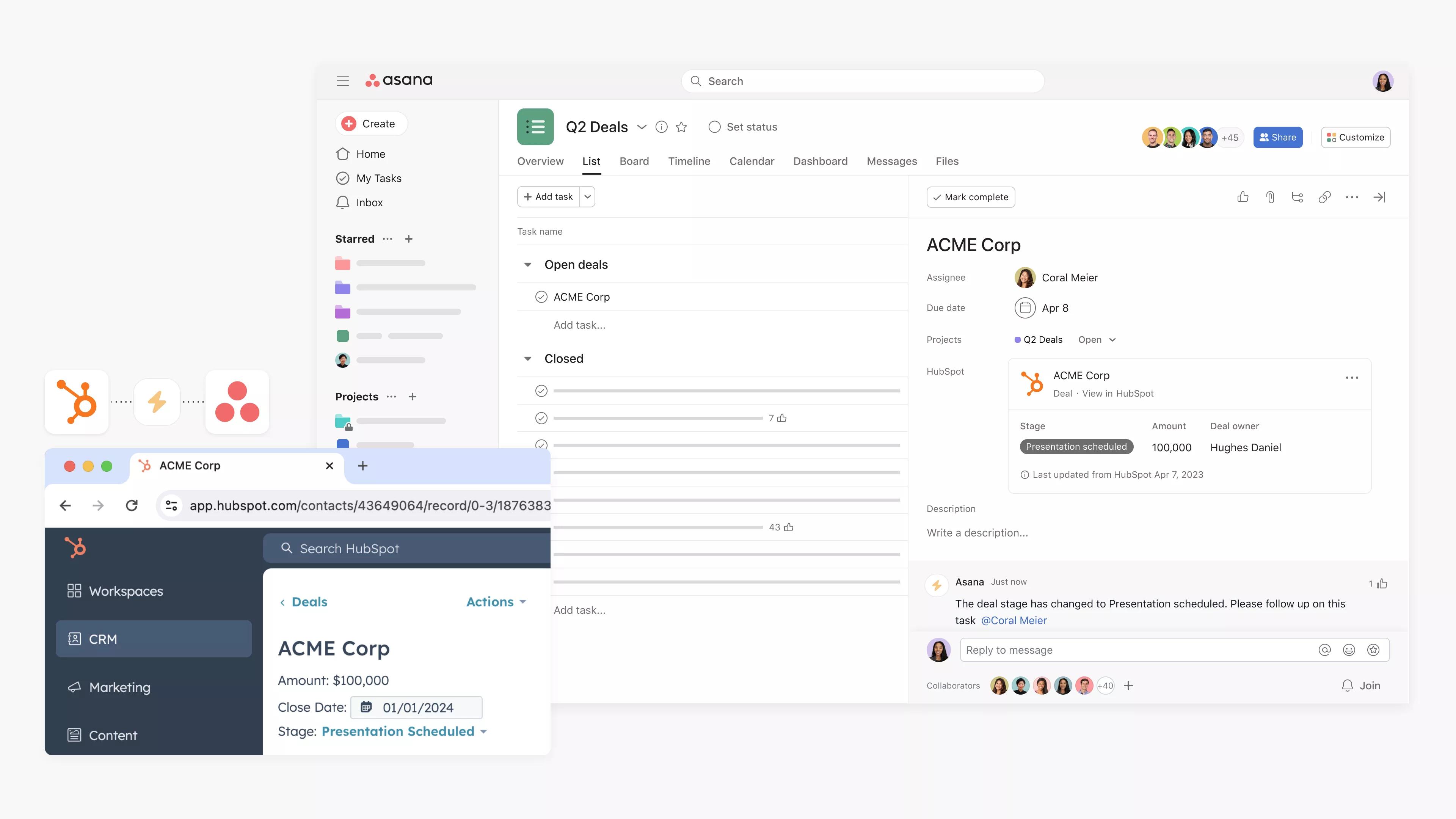
Integrating HubSpot with Asana brings clear benefits to teams managing sales, marketing, and projects. This connection creates a smooth flow between customer data and task management. It helps reduce manual work and avoids missed steps in project delivery.
The integration allows teams to keep track of customer interactions and project tasks in one place. It boosts productivity by linking marketing and sales with operational work. Teams gain better visibility and control over their daily activities and long-term goals.
Creating Tasks From Hubspot
HubSpot users can create Asana tasks directly from deals or contacts. This makes sure important follow-ups or project steps do not get lost. Tasks created in Asana carry key details from HubSpot, saving time on data entry.
This feature helps sales and marketing teams act quickly on leads and customer requests. It also keeps project managers informed with updated task lists based on real-time customer activity.
Streamlining Workflows
Linking HubSpot and Asana automates task assignments and status updates. Workflows become faster as tasks move automatically from sales pipelines to project boards. This reduces the need for manual handoffs between teams.
Automation ensures deadlines are met and work progresses smoothly. Teams spend less time on coordination and more time on action. It also helps prevent bottlenecks by tracking task status clearly.
Enhancing Team Collaboration
The integration improves communication between marketing, sales, and project teams. Everyone can see customer data alongside project tasks. This shared view helps teams align their efforts and priorities.
Comments and updates in Asana link back to HubSpot records. Teams can discuss work and customer needs without switching platforms. This keeps all team members informed and engaged, boosting collaboration.
Credit: asana.com
Choosing The Right Tool
Choosing the right tool between HubSpot and Asana depends on your business needs and goals. Each platform offers unique features designed for different purposes. Understanding these differences helps you make the best choice for your team. Consider what you want to achieve: project management or customer relationship management.
When To Pick Asana
Asana works well for teams managing projects and daily tasks. It offers clear views of who is doing what and when. Use Asana if you need simple task tracking with boards, lists, and timelines. It helps teams stay organized and meet deadlines. Collaboration is easy with Asana’s user-friendly interface. It suits teams focused on internal workflows and project visibility.
When To Pick Hubspot
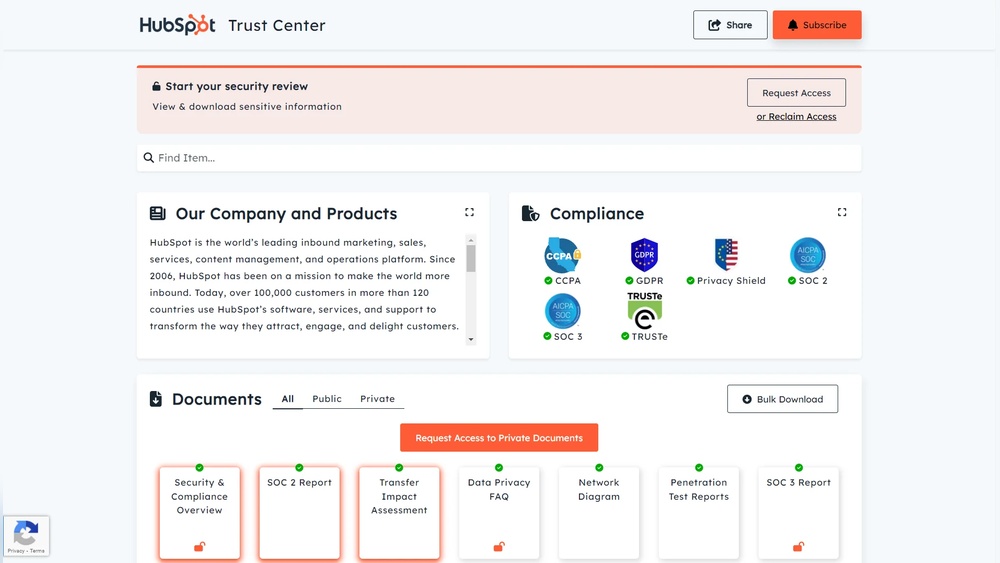
HubSpot is ideal for businesses focusing on sales, marketing, and customer service. It provides tools to manage leads and automate marketing campaigns. Use HubSpot if you want a unified platform for customer relationship management. It offers deep reporting and integrates marketing, sales, and service. HubSpot is best for companies growing their customer base and tracking revenue.
Combining Both For Maximum Productivity
Using HubSpot and Asana together boosts productivity. HubSpot can handle your customer data and sales pipeline. Asana can manage the tasks and projects that come from those sales activities. Integration lets you create tasks in Asana directly from HubSpot workflows. This way, teams stay aligned on customer needs and project progress. Combining both tools helps balance customer focus with task management.
Frequently Asked Questions
What Is The Difference Between Hubspot And Asana?
HubSpot is a CRM focused on sales, marketing, and customer management with deep automation. Asana manages projects and tasks with strong collaboration features. Use HubSpot for lead nurturing and sales pipelines; choose Asana for team task tracking and project coordination.
Both integrate well.
Who Is Hubspot’s Biggest Competitor?
HubSpot’s biggest competitor is Salesforce. Both offer comprehensive CRM solutions with strong marketing, sales, and service features.
What Are The Downsides Of Hubspot?
HubSpot can be costly for small businesses and has a steep learning curve. Its complexity may overwhelm new users. Some advanced features require higher-tier plans. Integration setup can be time-consuming. Customer support, while strong, may vary in responsiveness.
What Is The Disadvantage Of Asana?
Asana’s disadvantage includes limited advanced reporting and high costs for premium features. It may lack depth for complex CRM needs.
Conclusion
Choosing between HubSpot and Asana depends on your main business needs. Asana helps teams track tasks and manage projects clearly. HubSpot focuses on managing customers, sales, and marketing efforts. Both tools offer useful features but serve different purposes. HubSpot suits businesses aiming to grow through customer relationships.
Asana works well for teams needing clear project organization. You can also use both together for better workflow. Assess what matters most for your work before deciding. This way, you get the right tool to support your goals.

